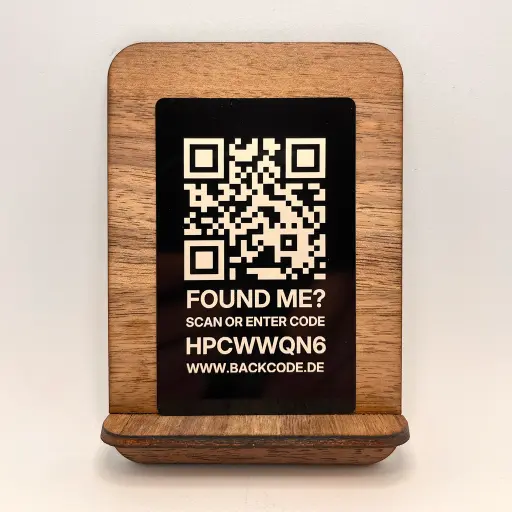
Marking children’s front door keys securely – without personal details
Giving a child a front door key often feels unsafe.
If the key is lost, it can lead to high costs, stress and a risk to privacy.
With BackCode, you can mark your child’s key anonymously.
Anyone who finds it can contact you – without seeing your name, address or telephone number.
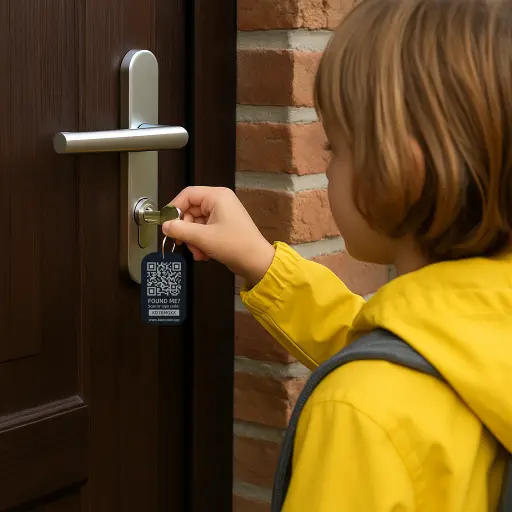
Why front-door keys pose a risk to children
A key can get lost on the way to school, whilst playing or during sport. In such cases, it helps if your child knows who to turn to – and if the person who finds it has a way to contact you.
You can clarify these three questions in advance:
- Where will the key be kept safely?
- How will your child contact you if the key goes missing?
- How can someone who finds the key contact you without seeing your home address on it?
BackCode adds an anonymous contact option to your arrangements. Any response will be sent to the parent’s account.
BackCode – a secure alternative to name and address
Many key rings display a name, school or address – which is dangerous.
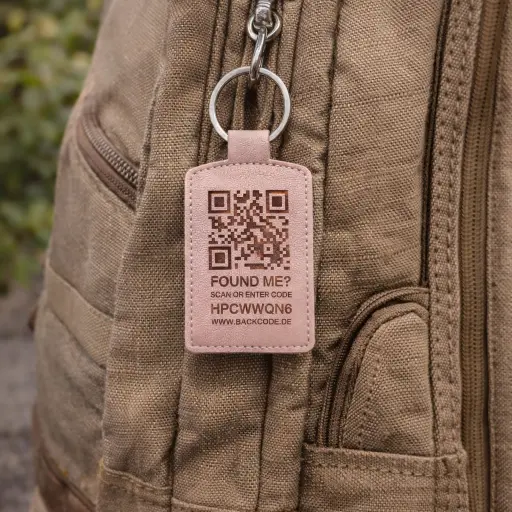
BackCode replaces personal details with an anonymous code.
Anyone who finds the key can contact you without knowing who it belongs to or where you live.
This protects your child’s privacy – whilst still ensuring the key can be returned.
How the anonymous return works
Simple, secure and no app required.
- You create a personalised BackCode.
- You attach the code to your keyring, school bag or bike.
- Anyone who finds it can scan the QR code or enter the code.
- You’ll receive an anonymous message and can respond.
Benefits for parents and children
- ✅ Greater safety for children
- ✅ No personal details on the key
- ✅ Anonymous contact details for the finder
- ✅ No GPS, no battery, no app
- ✅ Can be used indefinitely
- ✅ Ideal for keys, school bags and bikes
Finder contact is not tracking
A tag displaying a name or home address may reveal more about your child than is necessary for a return. A BackCode replaces this visible information with a QR code and a short code.
BackCode does not display a location and does not track either the key or your child. A tracking device and a QR code tag serve different purposes.
A finder must get in touch
The finder opens the website by scanning a QR code or entering a code, then writes a message. You reply via BackCode and arrange for the item to be returned. The tag does not require a battery; the finder needs an internet connection. Return is not guaranteed.
A quick checklist for parents
A few ground rules are more helpful than a long lecture. Go through these four points together.
1. Mark the key without your home address
Attach a tag that allows the finder to contact you. Your child’s name, school and home address do not need to be visible on the key.
2. Use a parent’s account
Activate the BackCode feature in your own account. This ensures that lost property notifications are sent to you, and you can handle the communication. Check that you regularly check the email address on file.
3. Agree on a fixed spot
Choose a closed compartment in a bag or school rucksack. Check together that the tag is securely fastened and that the QR code remains clearly legible.
4. Discuss what to do if the key is lost
Your child should tell you straight away if the key is missing. Agree on how they will contact you or a trusted adult. As a parent, you should organise a meeting with the person who found it.
Stay calm. Act together.
Let someone know: Your child should contact you or an agreed trusted person. They don’t have to sort out the loss on their own.
Check the last places they were: Search their pockets and clothes together. Enquire at school, their after-school care centre or the last place they visited; depending on where it was lost, also check with the relevant lost property office.
Respond and arrange for the return: Check your emails for messages about the find. You should communicate with the person who found the keys and organise collection. If urgent action is needed, don’t just wait for a message.
You can find further guidance in the ‘Lost Keys’ guide →
BackCode products suitable for children
Choose a key ring based on size, material and how it attaches to your keyring. In our range, you’ll find key rings with QR codes made from wood, aluminium and faux leather. Dimensions and contents are listed on the product pages.
Link the code to your parent account so that you receive notifications when the key is found.
Create a BackCode in your parent account →
For their first set of keys: A guide for parents on starting school →
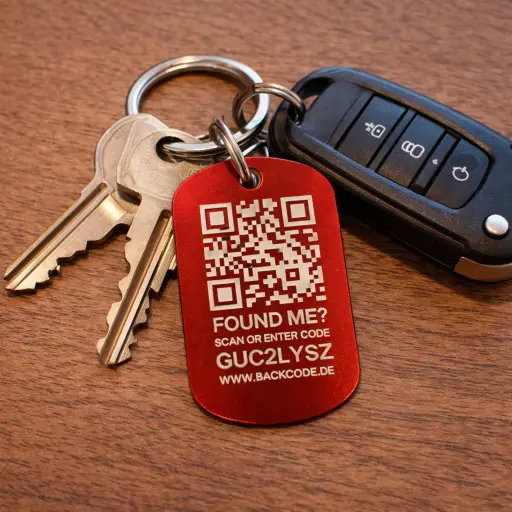
Eye-catching dog tags → more easily spotted
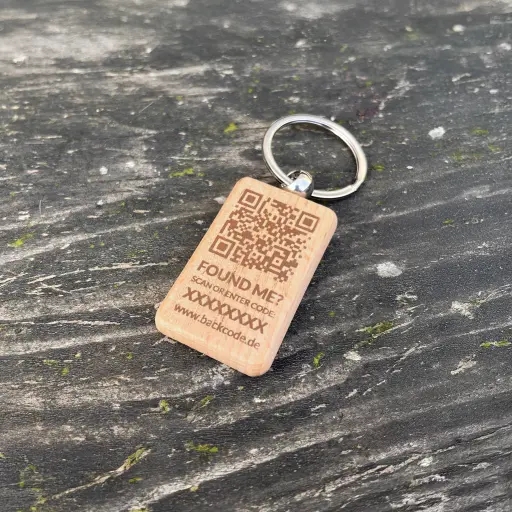
Sturdy wooden tags → natural
Key ring with a compartment for a separate tracker